Cloud-Powered AI
Access to far more powerful AI than local processing for richer, more expressive sketches.
Introduction
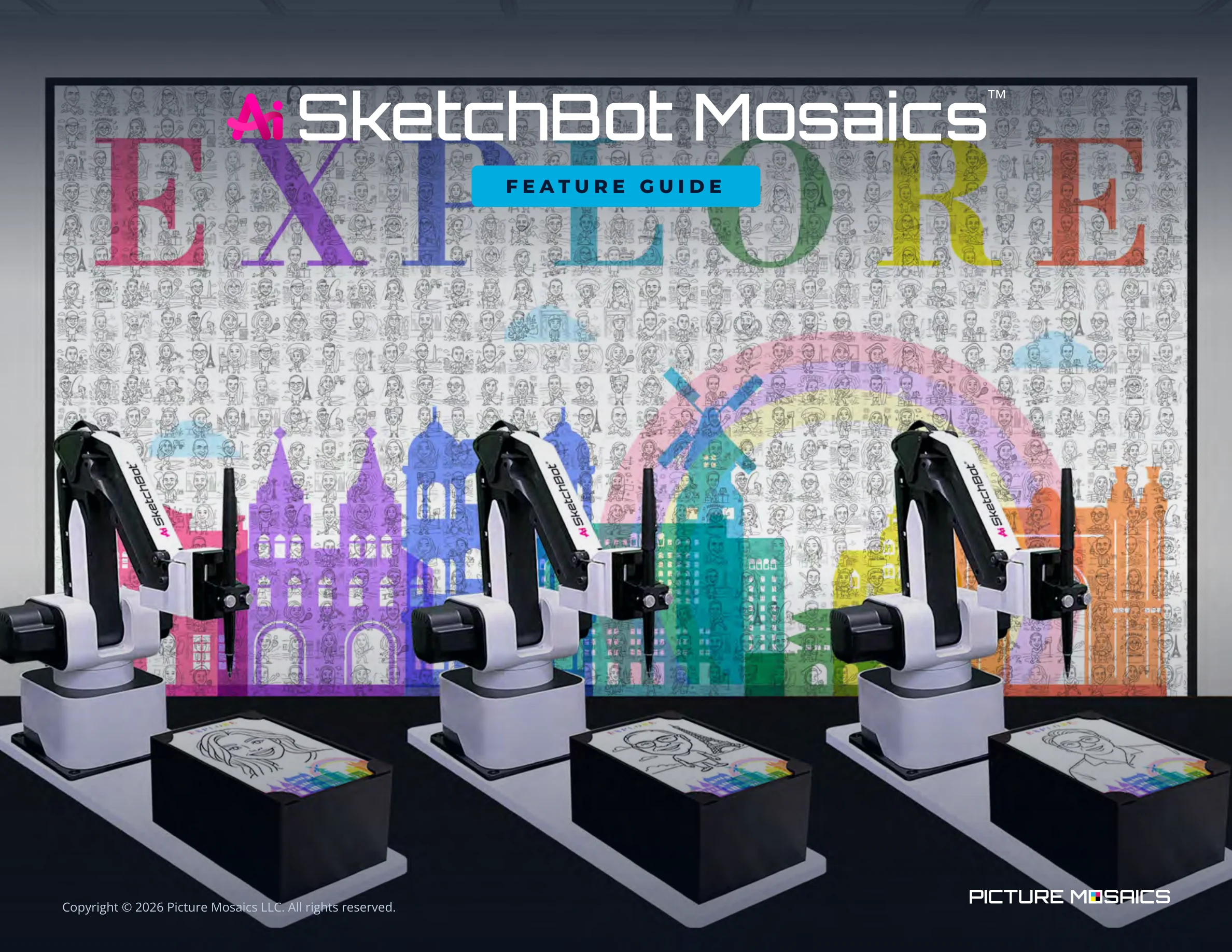
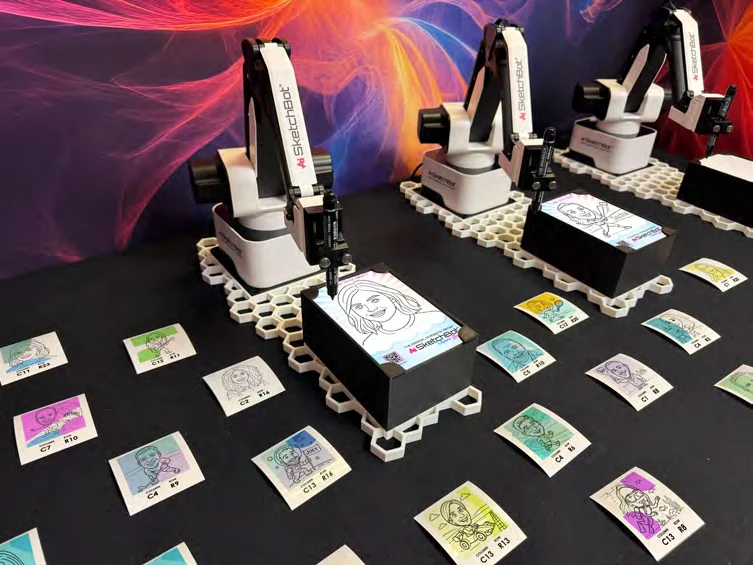
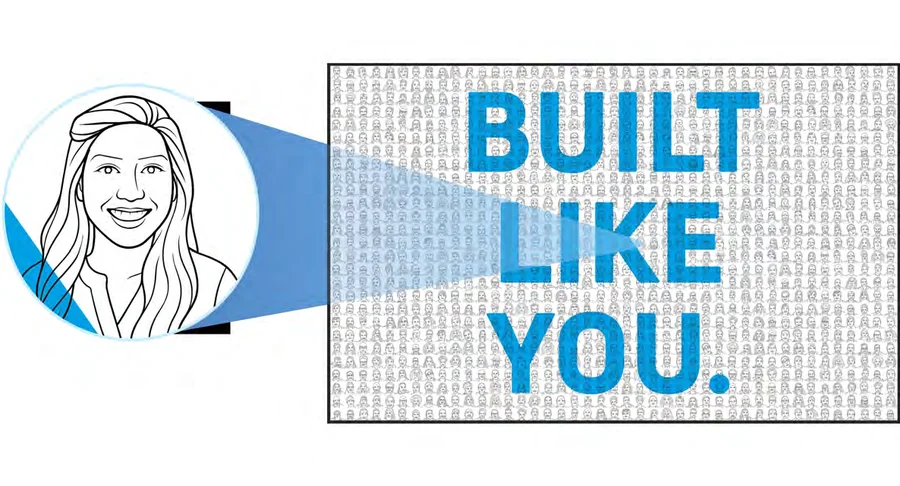
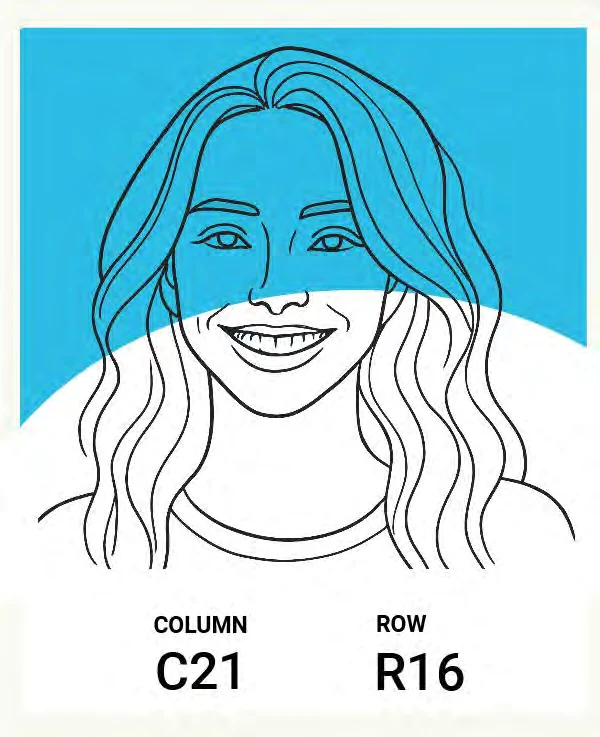
Once a portrait is taken or submitted, one of our SketchBots gets to work and draws an incredible sketch of that guest on a 4"×6" takeaway in under 60 seconds. Their portrait is then printed on a sticker for a specific location within the mosaic — all done through some amazing machine learning and AI. Once printed, the guest places their sketch in the correct location on the grid. Over time, a stunning, one-of-a-kind mosaic comes to life.
This happens in real-time, or pre-generated content can be leveraged. A SketchBot Mosaic can have 200 to 7,000+ sketches.
To “teach” SketchBot to artistically sketch, six of our artists sketched over 6,000 portraits, which were then fed into SketchBot’s machine-learning system.
Caricatures
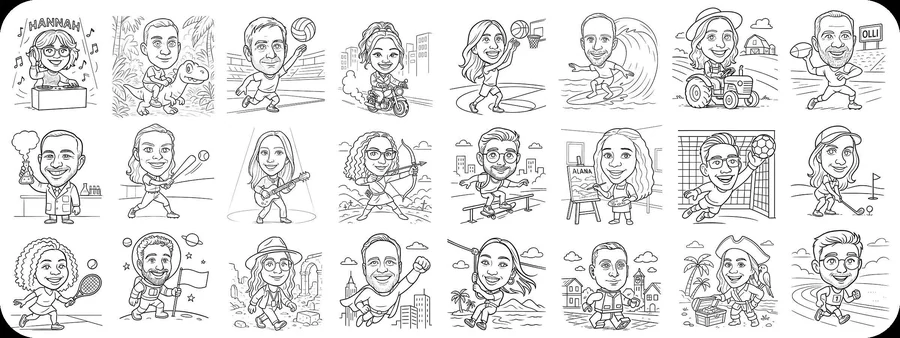
With caricature mode, guests don’t just get a portrait sketch — they transform into their favorite character, profession, or persona! Superheroes, athletes, astronauts, and scientists are just a few of the dozens of mini-bodies that can be chosen or randomly selected.
Choose from our signature lineup of mini-bodies, or create your own one-of-a-kind themes to match your event. Logos and guests’ names can be incorporated into the caricature sketches for even more personalization.
Access to far more powerful AI than local processing for richer, more expressive sketches.
Drop guests into imaginative themed scenes tailored to your event and brand vision.
Greater creative range and finer detail for show-stopping, one-of-a-kind results.
How It Works
Photo capture via kiosk, photographer, QR code, or selfie booth.
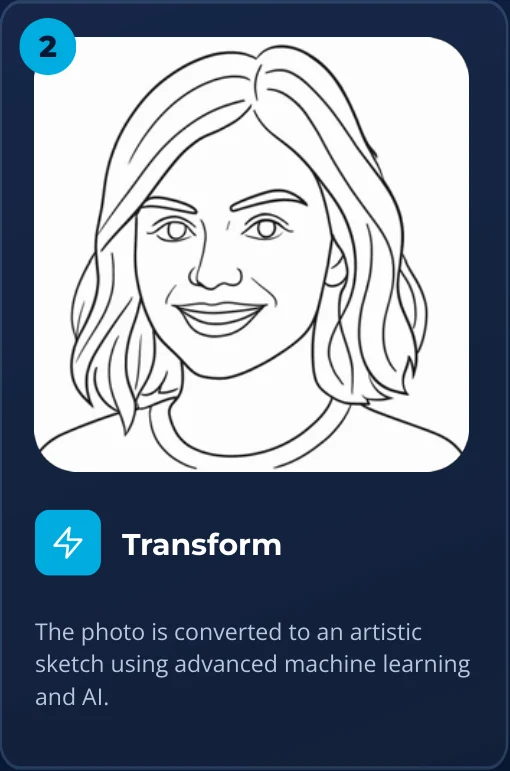
The photo is converted to an artistic sketch using advanced machine learning and AI.
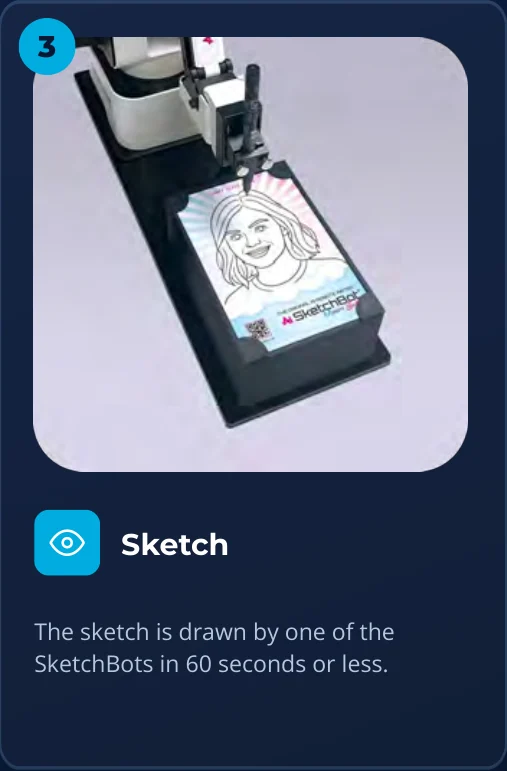
The sketch is drawn by one of the SketchBots in 60 seconds or less.
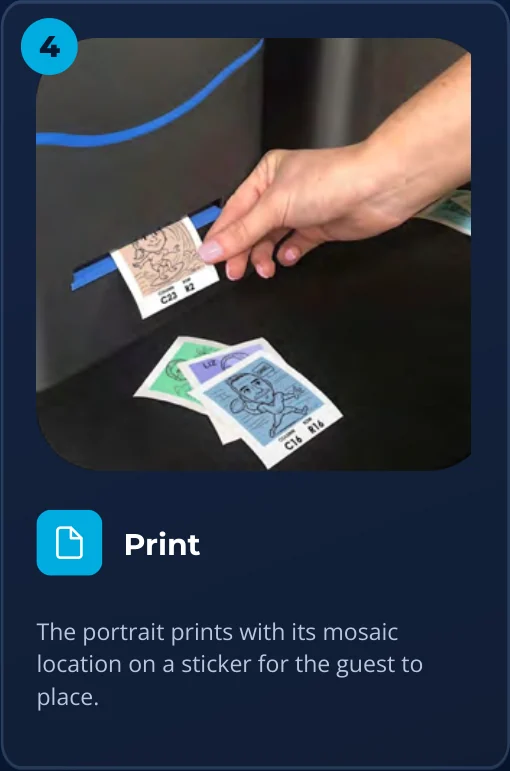
The portrait prints with its mosaic location on a sticker for the guest to place.
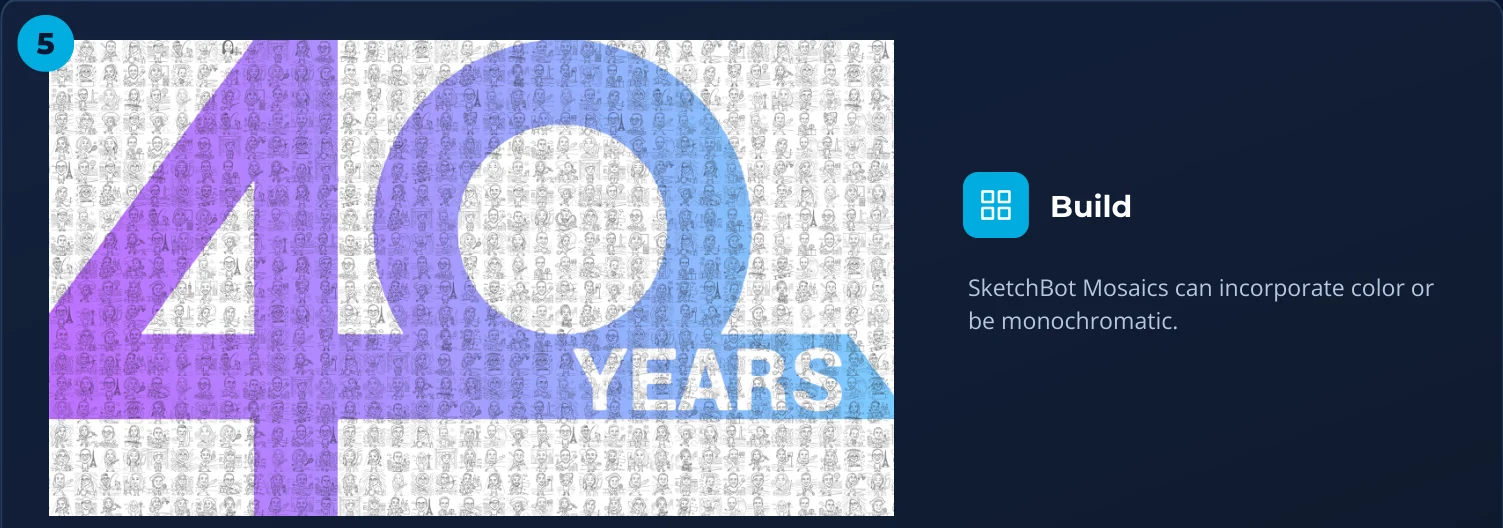
SketchBot Mosaics can incorporate color or be monochromatic.
Sizing & Color
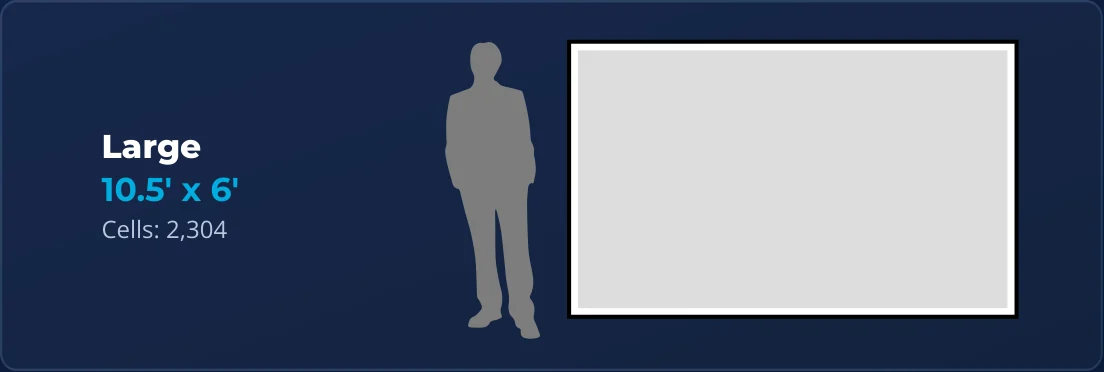
10.5' × 6'
Cells: 2,304
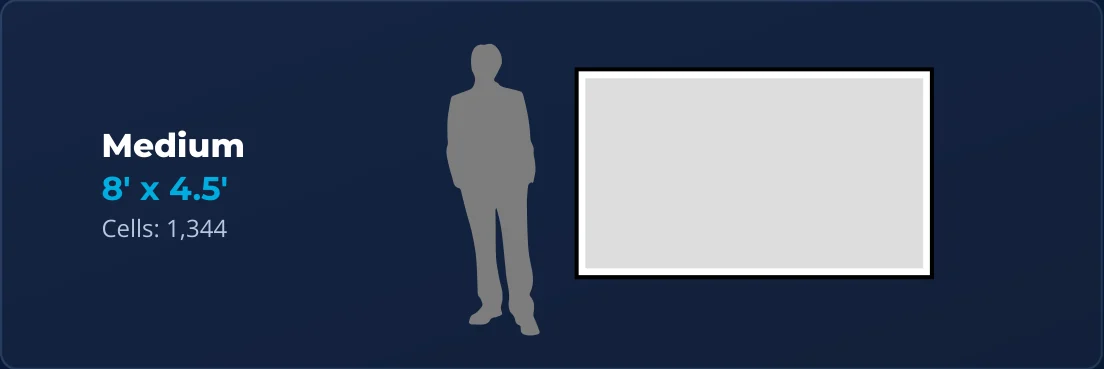
8' × 4.5'
Cells: 1,344
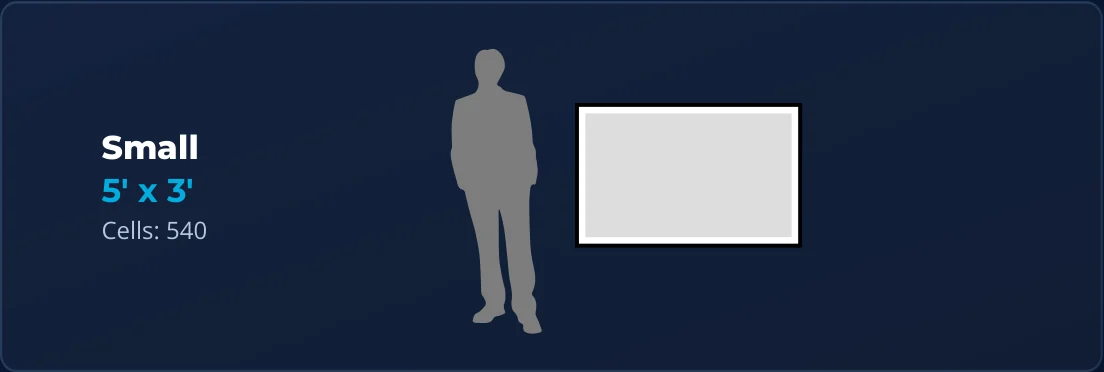
5' × 3'
Cells: 540
*Custom sizing available
2", 3", or 4"
Tiles are pre-printed with colors prior to the event. The SketchBots then draw onto these colored tiles live at the event.
Wall
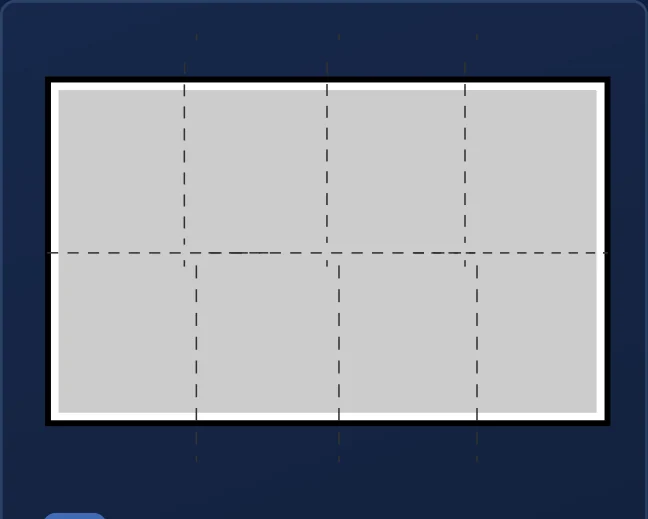
Any flat, pre-existing wall can be used to display the mosaic with help from REMO strips or VHB adhesive. Perfect for semi-permanent or permanent installations, indoors and out.
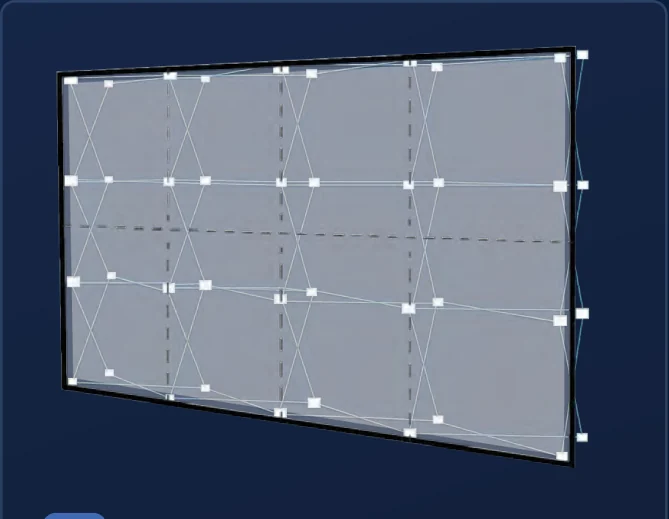
This tradeshow-style pop-up wall allows for easy setup in indoor spaces. Ultra-light and re-designed to place supports exactly where the mosaic grid panels align. Typical size: 117" × 88".
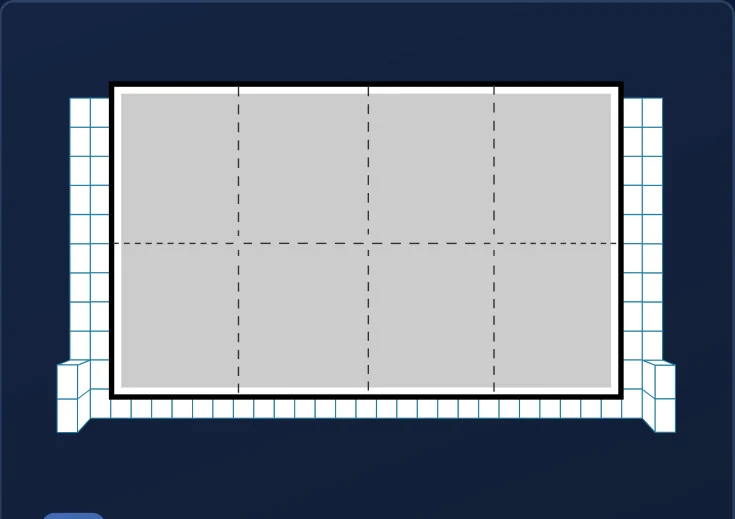
No usable wall in sight? This sturdy structure uses interlocking blocks to create a brand-new wall. Assembled on-site in about 45 minutes. Great for indoor and outdoor events when wind is less than 10 mph.
Photo Capture
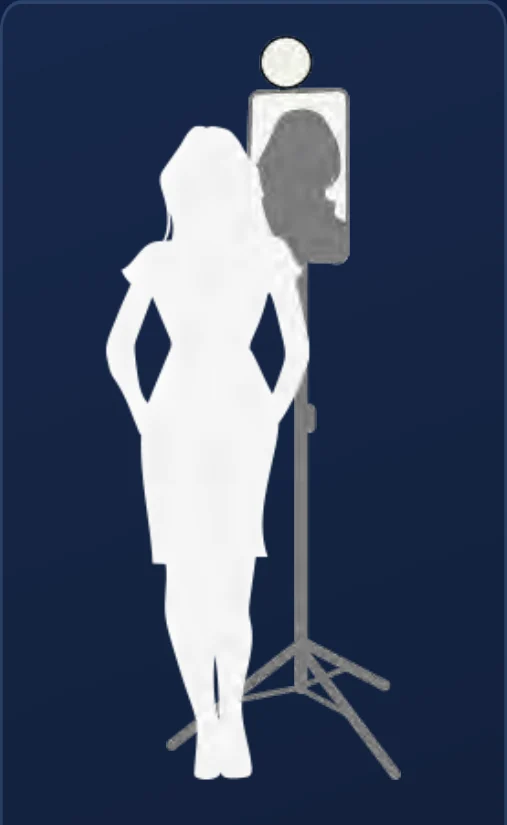
A self-standing ring light lets guests pose and take their own photos. This self-service standing option is easy to set up and comes with built-in lighting.
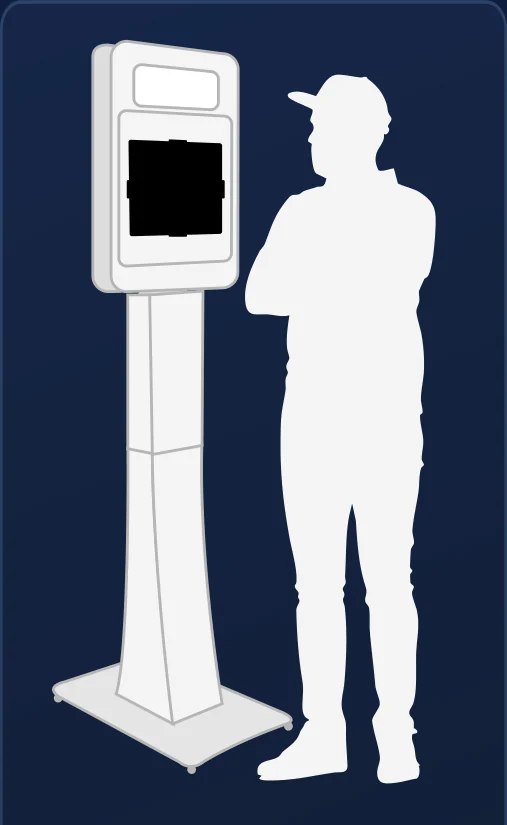
A sleek, self-service booth with built-in pro lighting. Guests can snap photos with ease, and the booth can be fully wrapped with your branding for a custom look. Simple to set up, easy to use, and made to stand out.
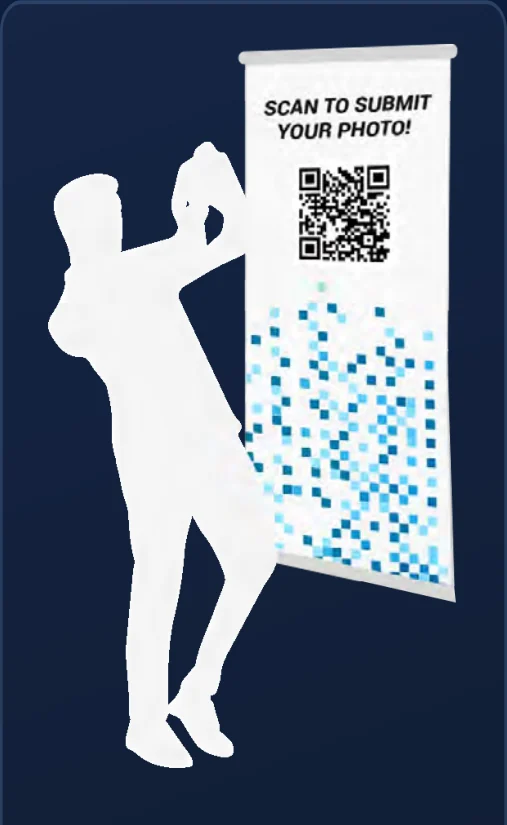
Guests scan a QR code to submit selfies or pick a favorite photo from their device. Printed onsite signage makes scanning quick and easy; an optional link can also be sent to attendees.
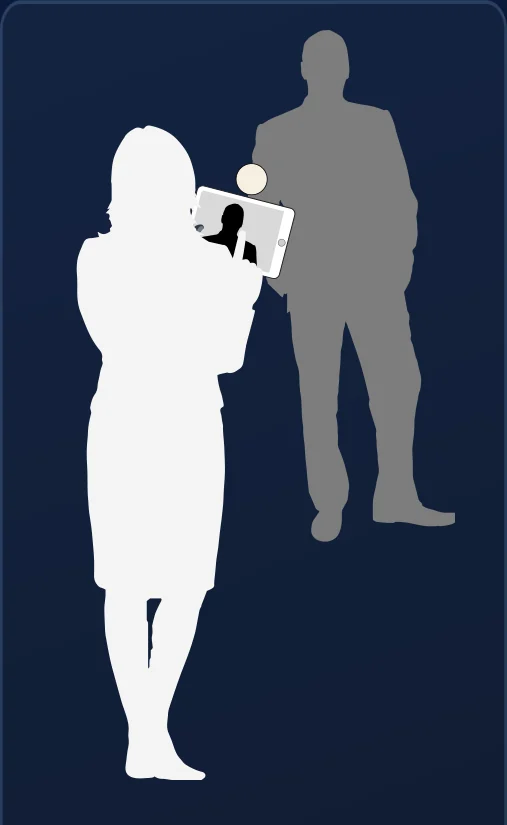
An onsite brand ambassador or photographer engages guests using a DSLR camera or our award-winning app on an iPad Pro*. Optional data collection (name, email, T&Cs, etc.).
*The mosaiCapture App is available for iPad and iPhone in the App Store.
Takeaways
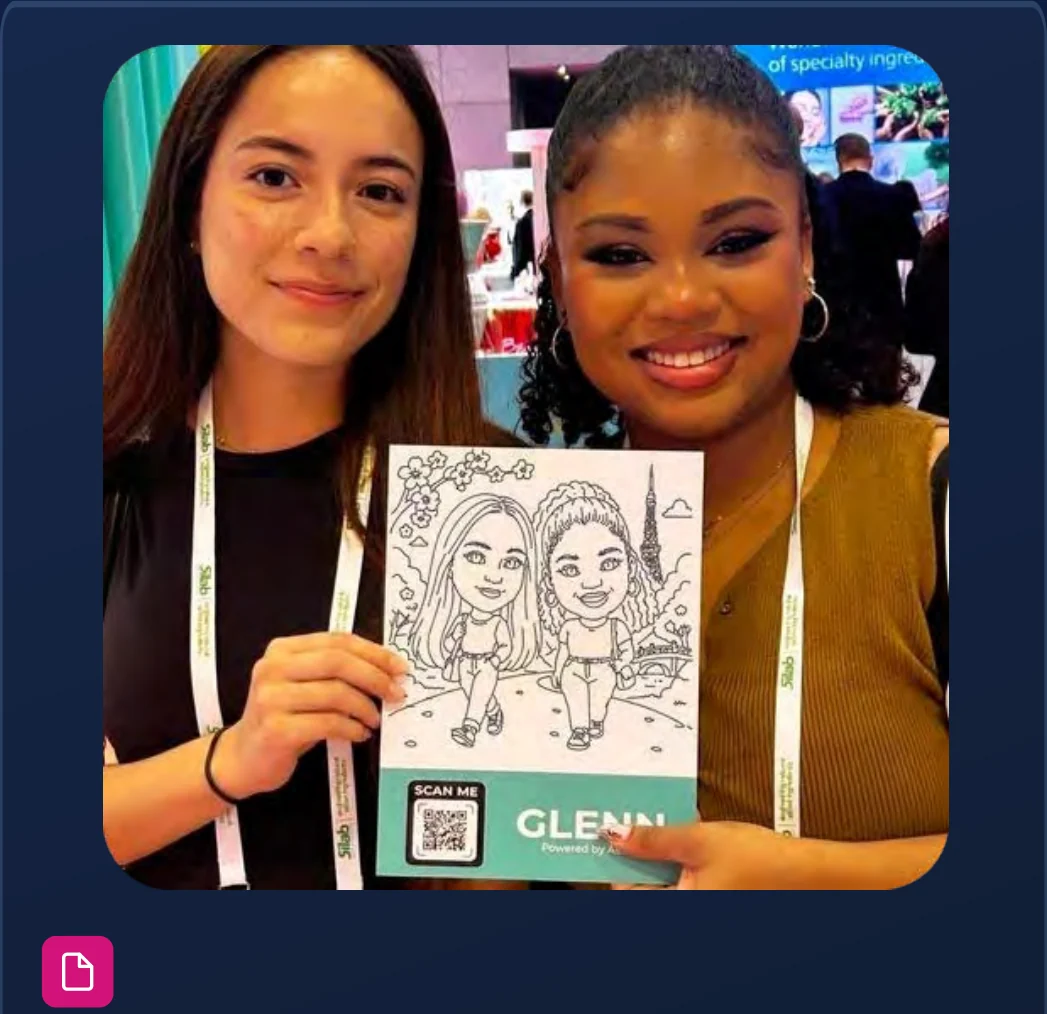
An instant, branded 4"×6" takeaway of each guest’s photo reminds them of their experience. Take home a sketched portrait by the robotic artist.
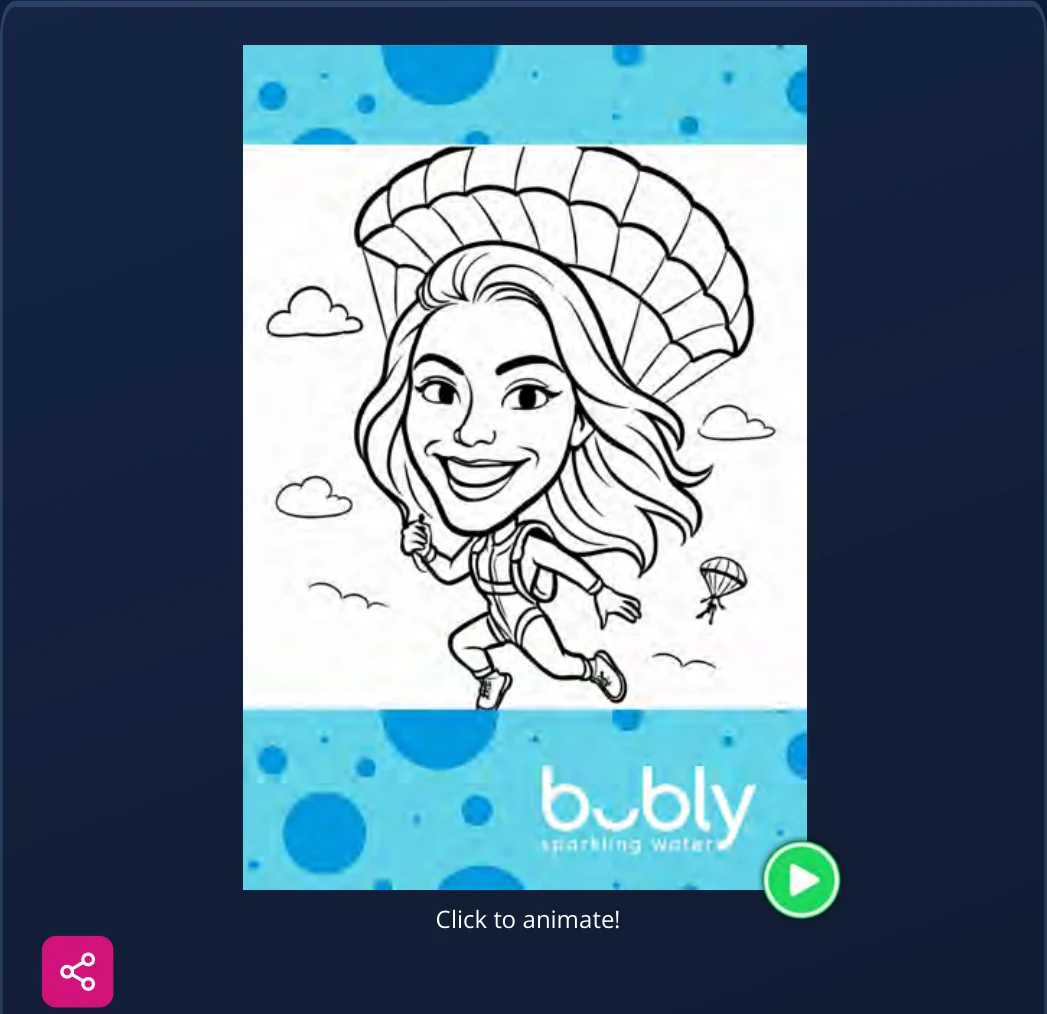
Never let them leave empty-handed. Send a branded email with an animated version of their sketch, plus social sharing options to easily share their sketch on Facebook, X, LinkedIn, and Instagram.
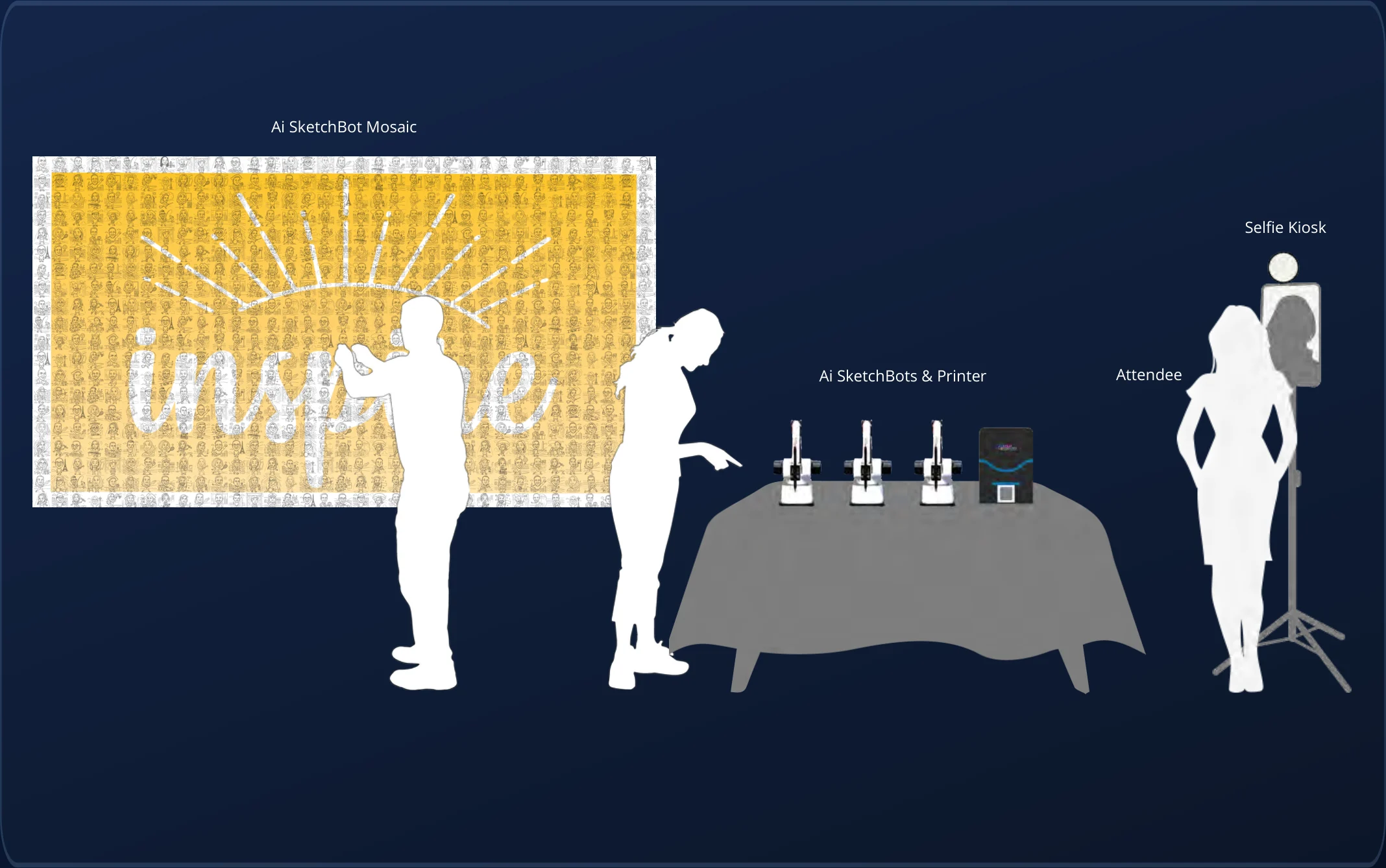
See animated example →Example Floor Plan
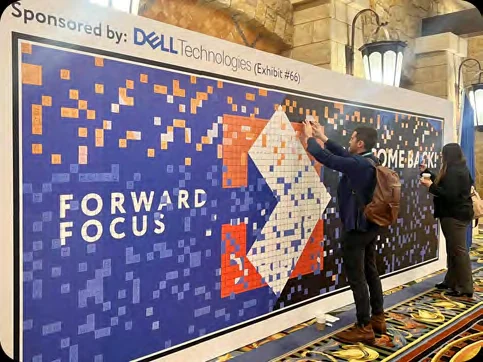
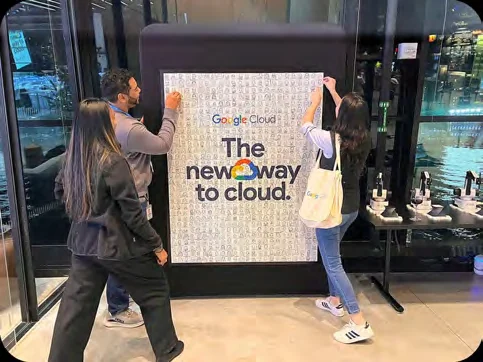
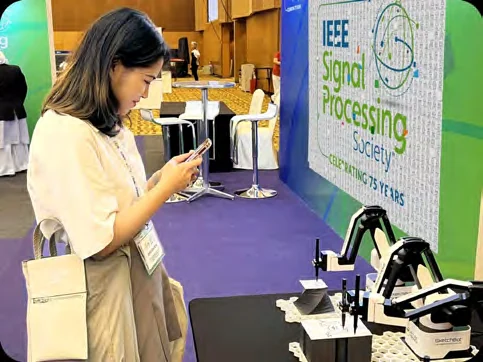
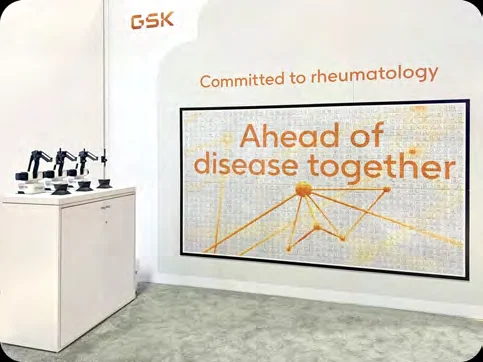
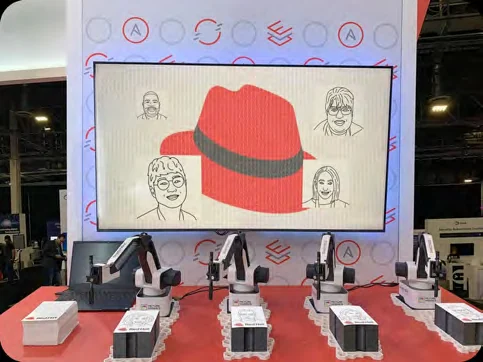
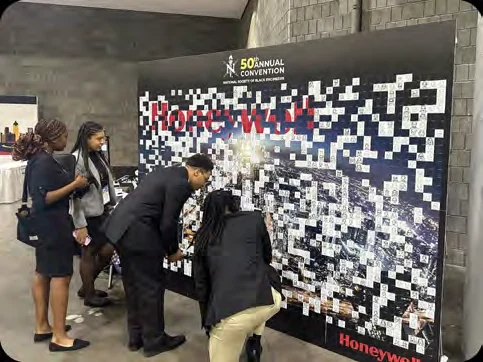
Real-World Examples
Pricing
Starting at $12,500
| Additional days | $1,600 – $3,200 |
| Custom Caricatures | $0 – $1,500 |
| Pop-up accordion wall | $1,600 |
| Standard sharable digital takeaway | $500 |
| Animated sharable digital takeaway | $1,500 |
| Live Sketch Feed | $1,500 |
| Premium photo booth rental | $4,000 |
| Premium photo booth vinyl wrap | $1,800 |
Additional SketchBots and Photo Kiosks available upon request. There is no limit to the number of SketchBots — common quantities are 2, 3, 5, 10, 16, and 24+.
All prices are in USD.